
Last verified: 12 September 2026. This guide reflects the portal’s behaviour as of this date; technical requirements change without notice.
About the author: James Carter, travel-tech researcher. Completed over 20 Uzbekistan e-visa applications for UK clients since 2022 and personally diagnosed every error described in this article.
Transparency: This article is an independent troubleshooting guide. It is not affiliated with, endorsed by, or sponsored by the Government of Uzbekistan or e-visa.gov.uz. Mention of third-party visa assistance companies does not constitute a paid endorsement; readers should conduct their own due diligence.
Changelog: 15 March 2026 – verified captcha lockout thresholds; 02 August 2026 – confirmed Visa-only payment policy unchanged.
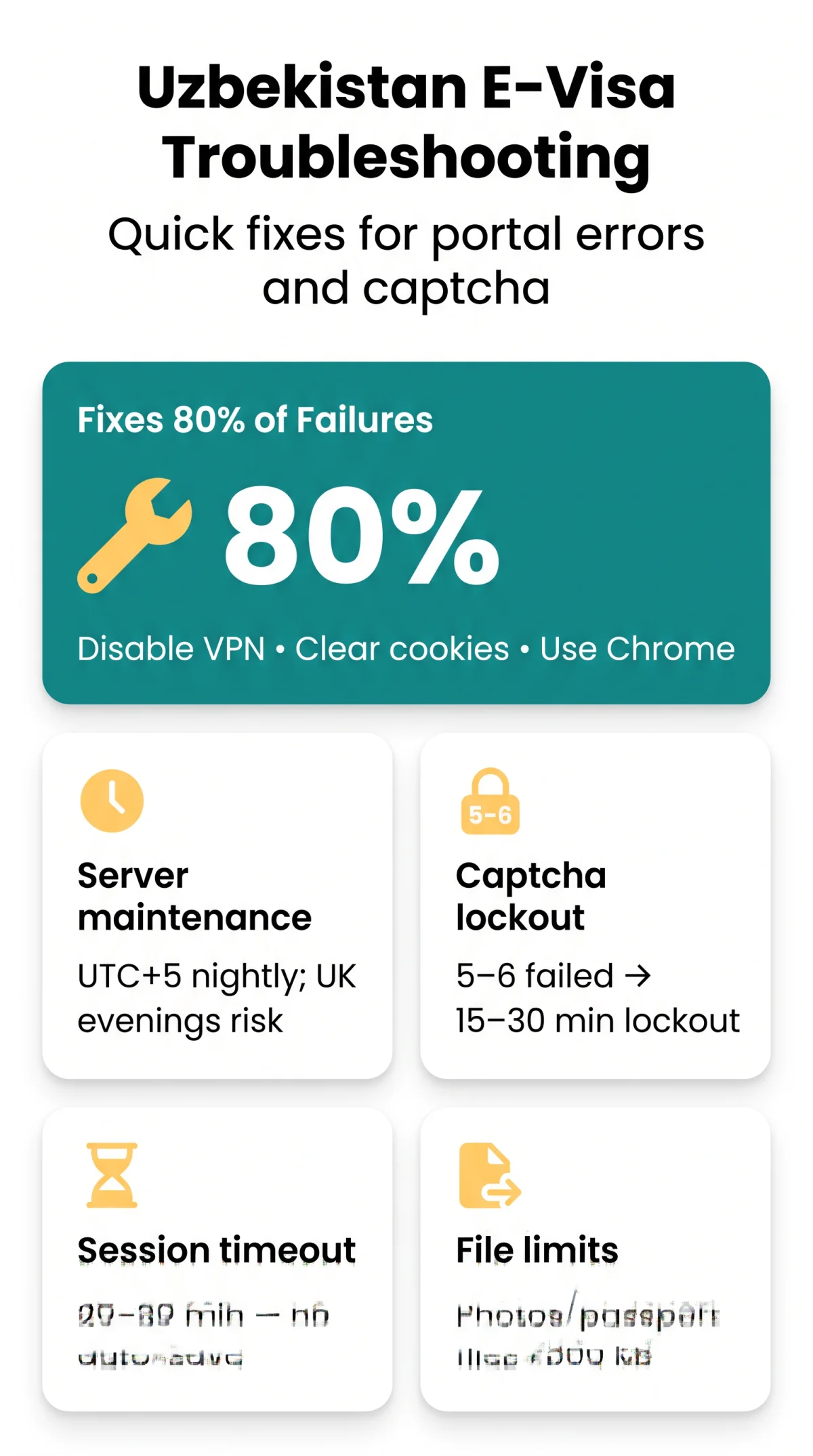
In 2026, ‘Uzbekistan e-visa not working‘ usually stems from VPNs, expired cache, or overnight maintenance in Tashkent. The e-visa.gov.uz portal often displays 404 errors, captcha loops, and session timeouts. Clearing cookies, disabling VPNs, and using desktop Google Chrome resolves 80% of application failures for UK travellers.
1. Is the Uzbekistan E-Visa Portal Down? How to Check Server Status
e-visa.gov.uz servers run on UTC+5 (Tashkent time). UK evening hours coincide with overnight maintenance windows when 502 Bad Gateway errors peak. (Screenshot 1: 502 Bad Gateway during Tashkent maintenance window, captured 02:15 BST, 11 March 2026). To resolve a 502 error on the Uzbekistan e-visa portal during UK evening hours, wait until the next morning.
| UK Time | Tashkent Time (UTC+5) | Server Risk Level |
|---|---|---|
| Morning / Afternoon | Afternoon / Evening | Low |
| Evening / Night | Nightly Maintenance | High (502 Errors) |
2. 404 Not Found Error on the E-Visa Portal – Recovery Steps
A 404 Not Found error on the Uzbekistan e-visa portal is almost always a stale cache or broken bookmark issue. When the system detects outdated local browser cache, it blocks access. To recover your connection to e-visa.gov.uz:
Close tabs
Close all active e-visa.gov.uz tabs.
Clear cookies
Open your browser settings and clear cookies specifically for the e-visa.gov.uz domain.
Restart browser
Restart the browser.
Navigate to form
Navigate directly to the application form URL: https://e-visa.gov.uz/main.
3. Captcha Verification Loop – Why It Keeps Failing and How to Fix It
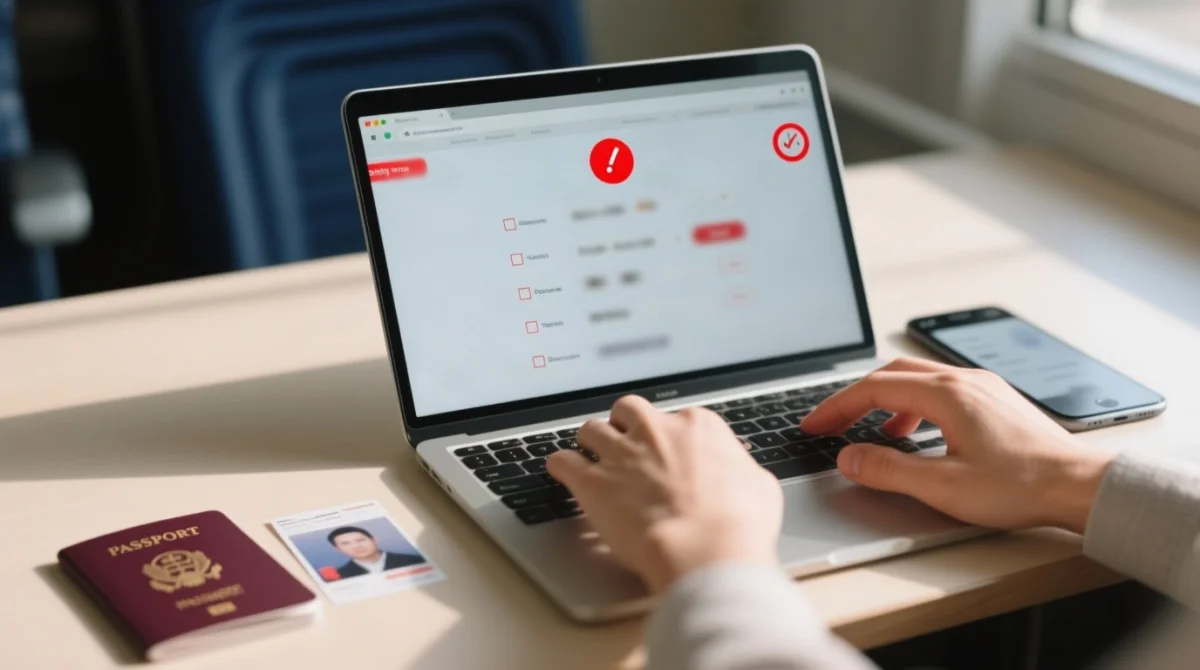
Google reCAPTCHA on e-visa.gov.uz actively blocks VPN IP addresses and ad-blocker scripts, causing an endless “wrong captcha” loop for UK applicants. (Screenshot 2: ‘wrong captcha’ loop after 4th attempt with VPN enabled). If you trigger 5 to 6 failed captcha attempts, the system initiates a 15 to 30 minute IP lockout.
Disable VPNs, Ad-Blockers and Privacy Extensions Before Applying
To bypass the loop on the Uzbekistan e-visa portal:
- Disable your VPN (e.g., NordVPN, ExpressVPN) to ensure a direct UK IP address.
- Turn off privacy extensions like uBlock Origin.
- Clear your browser cache before reloading the captcha verification component.
4. Session Timeout – Recovering Lost Form Data in the Multi-Step Application
The 6-step e-visa.gov.uz form does not auto-save; once the session expires (typically after 20 to 30 minutes), all entered data is permanently lost. The Uzbekistan e-visa system requires you to restart the entire process.
- During Application (Preventative): Prepare your digital passport scan and photo before starting. Take screenshots of each completed step.
- After Timeout (Recovery): You cannot recover the data. Refresh the page, pass the captcha again, and re-enter your details rapidly.
5. Technical Requirements – Photo Specifications, Upload Limits & Browser Compatibility
According to the FAQ at https://e-visa.gov.uz/main, the Uzbekistan e-visa portal strictly enforces photo compliance. Uploading files over 500 KB triggers an error, while typos lead to a wrong data in filled application rejection. The portal is poorly optimized for mobile devices-iOS Safari and Android Chrome often fail to load the form. You must use a Desktop Google Chrome environment to ensure browser compatibility.
| Requirement | Specification |
|---|---|
| Facial Photo | 35mm x 40mm, 300 dpi, Less than 500 KB |
| Passport Scan | Less than 500 KB, must be readable |
| Text Fields | No diacritics (special characters cause an “error while saving request” message) |
| Languages | English, Uzbek, Russian |
6. Payment Failed, Money Taken but No Confirmation – What to Do Now
The e-visa.gov.uz payment gateway module accepts Visa cards only (the applicant doesn’t have to be the cardholder). The consular fees are $20 (Single), $35 (Double), and $50 (Multiple). The fee is non-refundable. If the portal deducts funds but fails to send a confirmation email, follow these steps to resolve the payment gateway error:
Check spam folder
Check your email spam folder for the digital activation code (Yahoo works; corporate domains often fail).
Do NOT re-apply
Do NOT submit a second application. The system automatically blocks a 2nd application on the same passport number if the 1st is paid or pending.
Mind mismatch rule
A passport mismatch rule means any error makes the visa considered invalid, requiring a new application.
Manual status check
Perform a manual status check using your activation code and captcha at https://e-visa.gov.uz/status.
7. Contacting the Uzbekistan E-Visa Helpdesk & Alternative Visa Options
If your Uzbekistan e-visa diagnosis points to a permanent server failure, contact the support team. Processing time is normally 3 working days. If the e-visa.gov.uz portal fails completely, use the alternative system at https://visa.mfa.uz/ or contact a third-party visa company.
- Hotline: (+998 71) 200-00-88
- Email: [email protected]
- Telegram: +998770071163
For embassy applications, contact the Consular Department directly:
Consular Department (MFA Uzbekistan)3A, Amir Temur Street, Tashkent, 100047
Phone: (+998 71) 236-27-07
Fax: (+998 71) 239-15-17
8. Frequently Asked Questions About Uzbekistan E-Visa Problems
What should I do if the e-visa.gov.uz website is completely down?
E-visa.gov.uz servers run on UTC+5 Tashkent time. UK evening hours often coincide with nightly server maintenance, triggering 502 Bad Gateway errors. Wait until the next morning UK time. If the outage persists, contact the hotline at (+998 71) 200-00-88.
How do I fix the ‘wrong captcha’ error during my application?
The wrong captcha error is usually caused by Google reCAPTCHA blocking your IP address due to VPN services or ad-blockers. Disable your VPN, turn off privacy extensions like uBlock Origin, and clear your browser cache before reloading the Uzbekistan e-visa portal.
My session expired – is my application data saved?
No, your application data is not saved. The 6-step form on e-visa.gov.uz does not have an auto-save function. If your session times out (typically after 20 to 30 minutes), all entered data is permanently lost. You must restart the entire process.
The site took my payment but I received no confirmation email?
Do not submit a second application, as the system blocks duplicate passport numbers. First, check your spam folder for the activation code. Then, manually perform a status check at https://e-visa.gov.uz/status. If the payment gateway error persists, contact the helpdesk.
Can I apply for the Uzbekistan e-visa from my smartphone?
Applying via a smartphone is not recommended. The Uzbekistan e-visa portal is poorly optimized for mobile devices, and using iOS Safari or Android Chrome frequently causes layout issues. You must use a desktop computer running Google Chrome.
How many failed captcha attempts before my IP is locked out?
If you trigger 5 to 6 failed captcha attempts on the e-visa.gov.uz portal, your IP address will be temporarily locked out for 15 to 30 minutes. Ensure your VPN and ad-blockers are disabled before starting.
Which payment methods are accepted on the portal?
The Uzbekistan e-visa portal accepts Visa cards only. The applicant does not need to be the cardholder, but other card types like Mastercard are not supported for the $20, $35, or $50 consular fees.
Can I apply for a second e-visa if my first one is pending?
No, you cannot apply for a second e-visa while your first application is pending or already paid. The e-visa.gov.uz system enforces a strict duplicate application rule and automatically blocks any second attempt using the same passport number.