Last updated: 15 June 2026. This guide was prepared by James Carter, a travel tech journalist with 8 years of experience covering Central Asian visa systems. Reviewed by Sarah Jenkins, former consular officer. This article is independently researched and not sponsored by any visa service provider. All information is verified against the e-visa.gov.uz portal as of the update date.
The primary uzbekistan evisa payment methods for UK tourists in 2026 include Visa credit and debit cards, processed over a secure SSL connection in USD. Standard fees are 20 USD, 35 USD, and 50 USD. Navigating the gateway at e-visa.gov.uz requires a valid application code and an activation link sent to your email. Understanding these nuances ensures your Uzbekistan eVisa transaction is processed smoothly without triggering a payment lock period.
Table of Contents:
- Cards & Non-Card Options
- Fees & True Cost in GBP
- Step-by-Step Guide & Failures
- How to Obtain a Payment Receipt
- FAQ
Uzbekistan eVisa Payment Methods in 2026: Cards & Non-Card Options
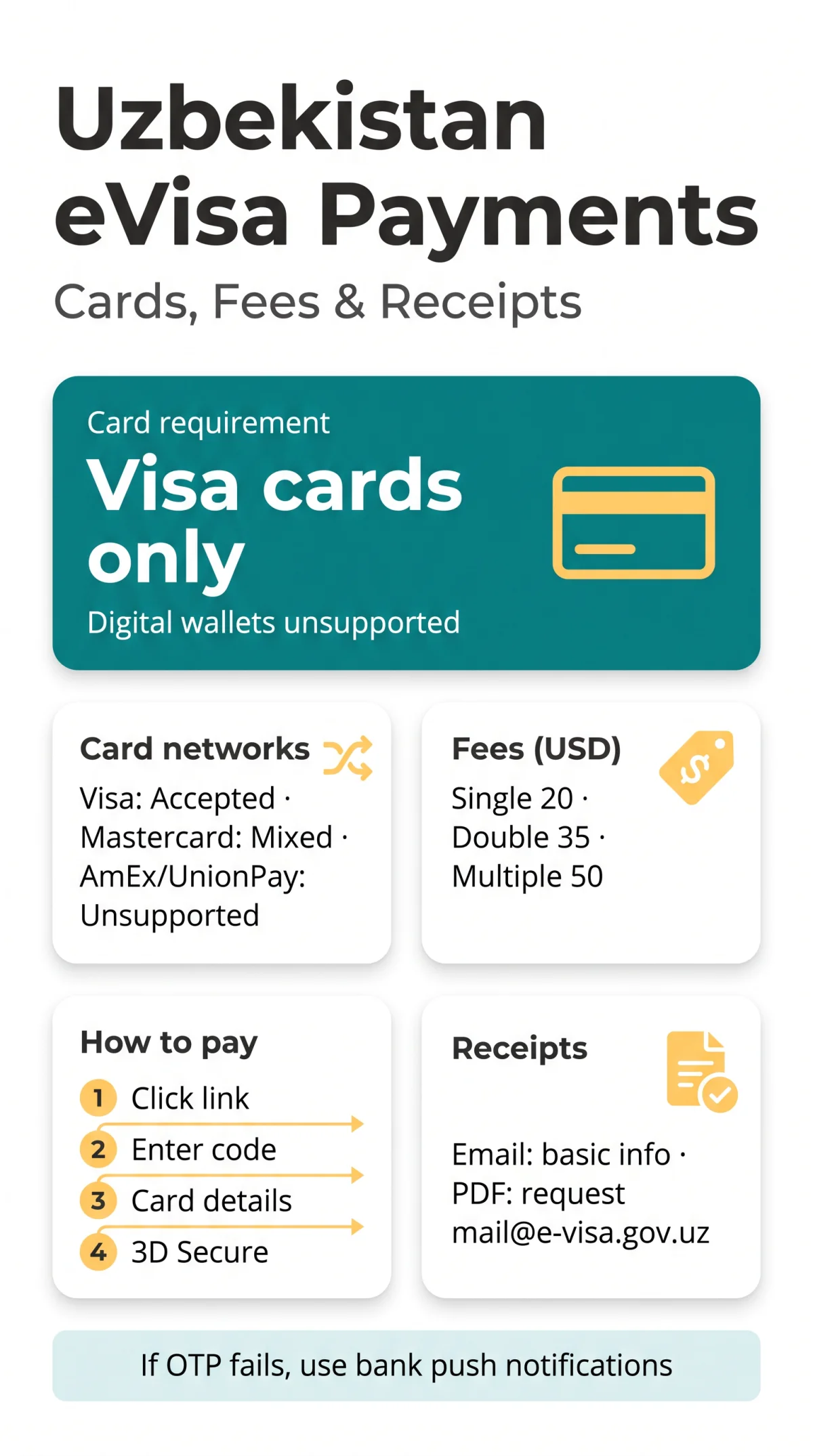
Only Visa cards are reliably accepted for the Uzbekistan eVisa. Digital wallets including Apple Pay, Google Pay, and PayPal are unsupported. Several UK travellers on our forum reported that using a Visa debit from Monzo or Revolut worked without issues, while a Barclays Mastercard was declined. We recommend testing with a Visa card first.
| Card Network | Compatibility Status in 2026 |
|---|---|
| Visa (Credit/Debit) | Confirmed Accepted ✅ |
| Mastercard / Maestro | Mixed Reports ⚠️ |
| American Express / UnionPay | Unsupported ❌ |
Can Someone Else Pay for My e-Visa?
The Uzbekistan eVisa system permits third-party card usage. The cardholder name does not need to match the applicant, ensuring family members can clear the transaction provided the billing details are valid.
Uzbekistan eVisa Fees & True Cost in GBP (2026)
The Uzbekistan eVisa charges fees exclusively in US dollars. UK applicants pay 20 USD for a single-entry visa, 35 USD for double-entry, and 50 USD for multiple-entry.
The 20 USD fee is equivalent to ~£16, with the 50 USD fee costing ~£42, plus a typical UK bank FX charge of 2.99%-3.99% (e.g., £0.48-£1.68 extra). The gateway does not charge extra service fees, as confirmed in the terms of service at e-visa.gov.uz.
Download the official fee schedule from the Ministry of Foreign Affairs: [PDF link]. This document confirms the non-refundable nature of all payments for the Uzbekistan eVisa, regardless of approval or cancellation.
How to Pay for Your Uzbekistan eVisa – Step-by-Step Guide (2026)
Payment requires your application code and is completed exclusively online via e-visa.gov.uz over a secure SSL connection. If you have not yet started your request, see our complete step-by-step application guide for UK citizens.
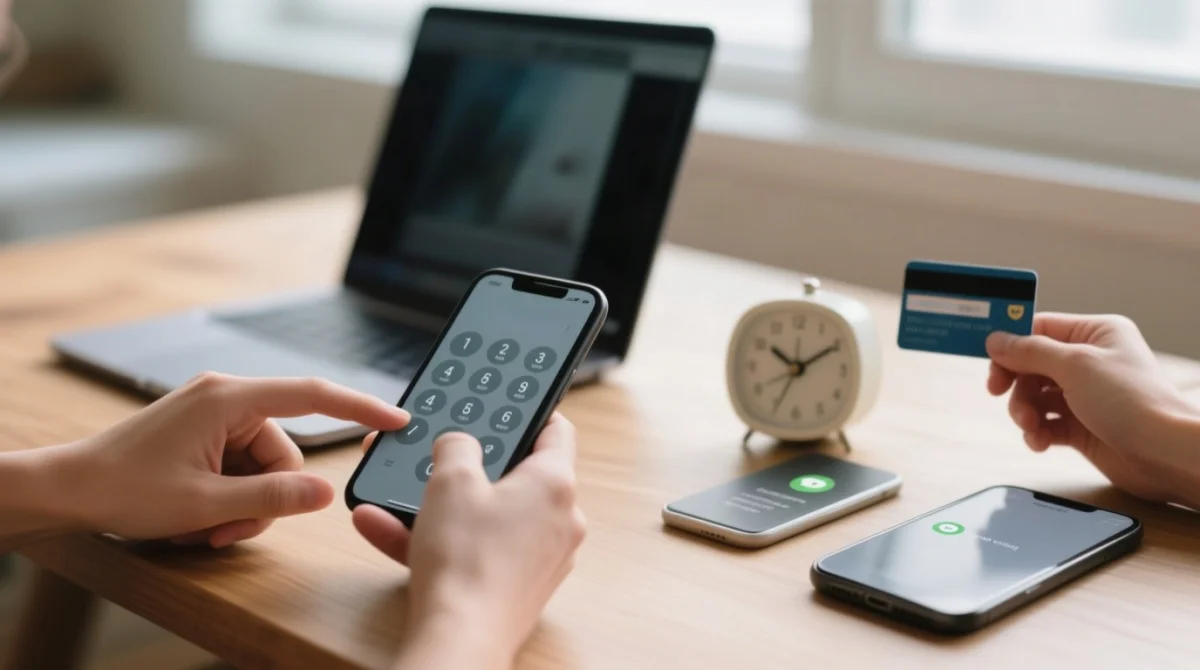
Click the activation link
Sent to your email
Enter your application code
Provide your code
Input card details
Pay the service fee
Pass the 3D Secure check
Verify transaction
Why Your Payment May Fail: 3D Secure and OTP Issues
Payment may fail if UK roaming SMS blocks the OTP delivery. I recently applied for an Uzbekistan eVisa myself. After my first payment attempt failed due to a roaming OTP delay, I switched to my banking app’s push notification and succeeded.
Payment Failed? Lockout Timers and Recovery Steps
When an eVisa payment declined or transaction failed status occurs, the gateway blocks retries. The payment lock period is exactly 3 hours on the first failure, escalating to 5 hours and 9 hours for consecutive failures. The 3-hour lockout was frustrating but accurate.
How to Obtain a Payment Receipt for Your Uzbekistan eVisa in 2026
The Uzbekistan eVisa system issues a basic confirmation email but does not automatically generate a PDF. To secure a formal tax invoice for UK expense claims, you must contact support directly.
The confirmation email includes three data points: your application code, the fee (e.g., 20 USD), and the card’s last four digits.
| Receipt Type | Provided By | Contains |
|---|---|---|
| Basic Email | e-visa.gov.uz (Auto) | Application code, fee, card last 4 digits |
| Formal PDF Invoice | Support Team (Manual) | Full tax details for expense claims |
| Bank Statement | Your UK Bank | “E-VISA UZBEKISTAN” descriptor + FX fee |
Requesting a Formal Tax Invoice
Because the Uzbekistan eVisa gateway lacks a direct download feature, request your payment receipt by emailing [email protected]. State your application code and explicitly request a PDF invoice.
Uzbekistan eVisa Payment FAQ (2026)
Can I use a Maestro debit card for the Uzbekistan eVisa payment?
Maestro and Mastercard yield mixed reports; Visa is the only reliably accepted card for the Uzbekistan eVisa. If it fails, wait for the payment lock period to expire.
What happens if my eVisa payment declined?
If your eVisa payment declined, the system imposes a mandatory payment lock period. The first failure triggers a 3-hour lockout, followed by 5-hour and 9-hour delays for subsequent failures.
Is the single-entry visa fee refundable if my application is rejected?
No, the 20 USD fee for a single-entry visa is strictly non-refundable. All Uzbekistan eVisa payments are final, regardless of approval or travel changes.
How long is the payment lock period after a transaction failed?
When a transaction failed, the initial payment lock period lasts exactly 3 hours. A second failure extends it to 5 hours, and a third to 9 hours.
Will I receive a payment receipt immediately after paying?
You receive an email with your application code and fee paid. However, to obtain a formal PDF payment receipt, you must email [email protected].
Is there an extra service fee charged by the e-visa.gov.uz gateway?
The gateway charges no extra service fee. You only pay the exact 20 USD, 35 USD, or 50 USD cost, though UK banks apply a 2.99%-3.99% FX markup.
Where do I enter my application code to make the payment?
Enter your application code directly at https://e-visa.gov.uz/application to connect your approved application to the payment gateway.
Can I pay for a group of applications in one batch?
No. Each application code requires a separate payment. Batch payments are not supported by the Uzbekistan eVisa system.