
Last reviewed: September 2026. This article is for informational purposes only. Always verify your Uzbekistan e-visa status on the government portal e-visa.gov.uz. We are not affiliated with any government entity.
About the author: Sarah Jenkins is a travel consultant advising UK travellers on Central Asian visa procedures since 2020, regularly verifying information against government sources.
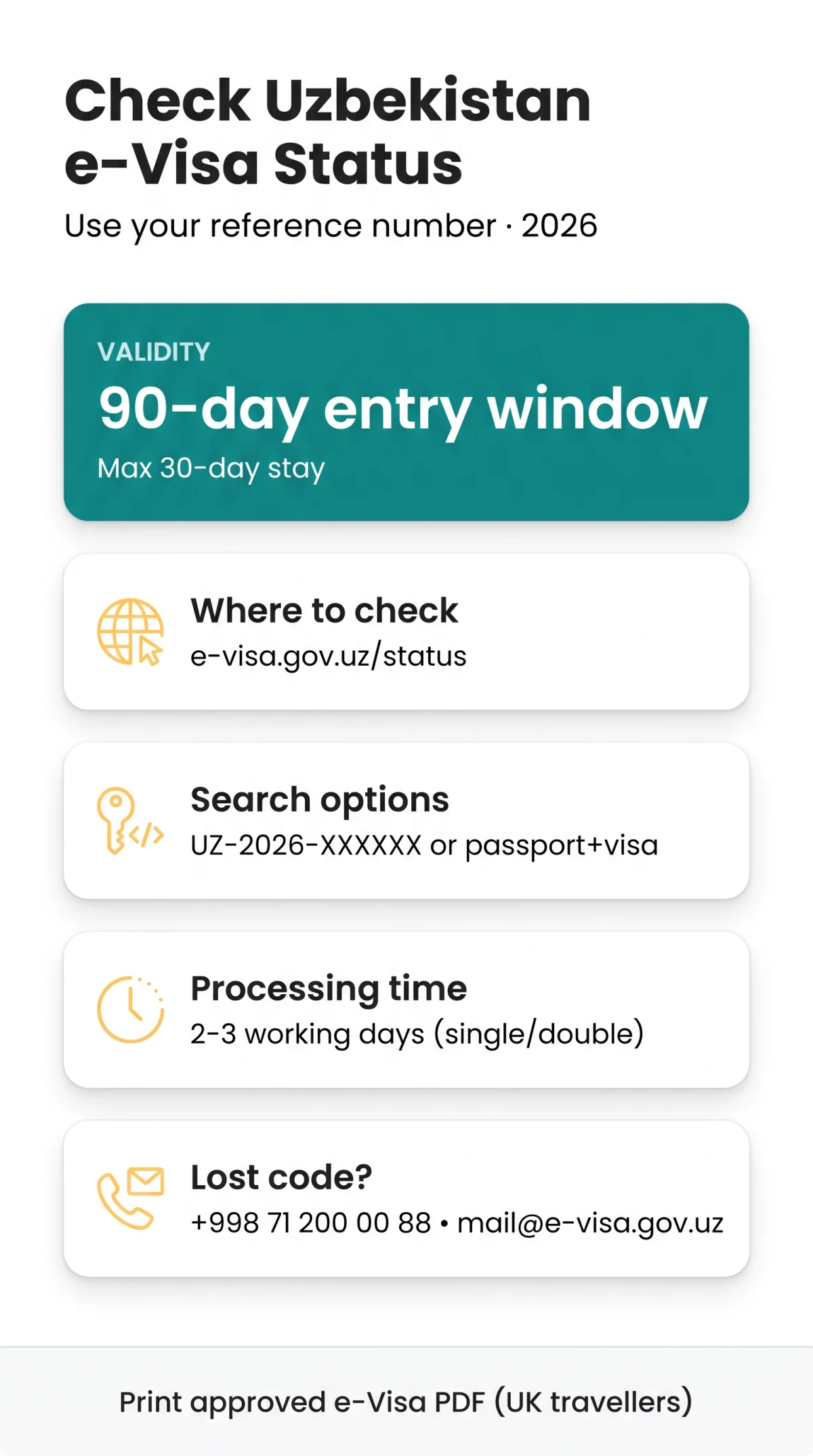
To perform an Uzbekistan e-visa status check in 2026, visit e-visa.gov.uz/status, enter your application code (e.g., UZ-2026-XXXXXX) or passport number and visa number, complete the captcha, and click ‘Check Status’. The result immediately shows as Approved, Pending, or Rejected. This process takes under 60 seconds for UK travellers.
Where to Check – The Two Uzbekistan e-Visa Status Portals
Tourism and business applicants use e-visa.gov.uz/status; diplomatic and official visa holders use visa.mfa.uz/ruxsat/view to check their Uzbekistan e-visa status.
| Portal URL | Visa Types Covered |
|---|---|
| e-visa.gov.uz/status | Tourist and Business Visa |
| visa.mfa.uz/ruxsat/view | Diplomatic and Official |
Selecting the correct platform ensures your Uzbekistan e-visa status check retrieves accurate data.
Step-by-Step: How to Check Your Uzbekistan e-Visa Status Online
Enter the application code (format UZ-2026-XXXXXX) on e-visa.gov.uz/status, complete the captcha, and click “Check Status” to view your Uzbekistan e-visa status instantly.

Method 1 – Look Up Status by Application Code
- Navigate to the portal and select the application code search method.
- Enter your unique code (e.g., UZ-2026-XXXXXX).
- Solve the mandatory captcha security check and submit.
Method 2 – Look Up Status by Passport Number and Visa Number
- Select the alternative search method on the portal.
- Input your passport number, date of birth, nationality, and visa number.
- Complete the captcha and submit to view your Uzbekistan e-visa status.
Lost Your Application Code? How to Retrieve It
If you lose your application reference number, you cannot check your Uzbekistan e-visa status online. Contact the support desk directly at +998 71 200 00 88 or email [email protected].
Understanding Your Uzbekistan e-Visa Status Updates
The Uzbekistan e-visa status check returns specific outcomes: Approved → download PDF immediately; Pending → wait 2-3 working days; Payment Pending → wait 24-48h; Rejected → reapply after fixing passport validity or photo issues.
“Approved” – What Happens Next and How to Download Your e-Visa
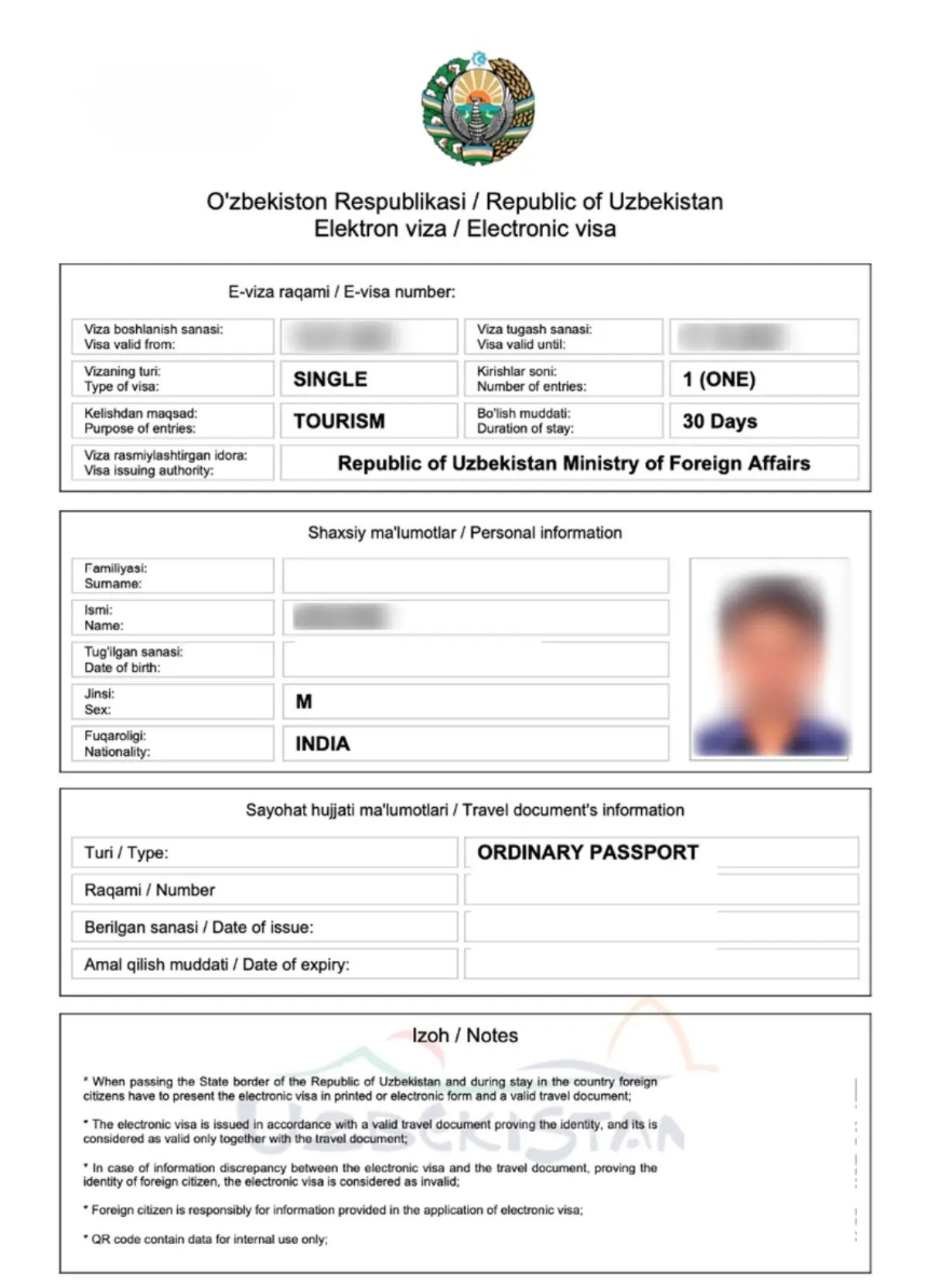
The application is successful. The system provides a direct link to download the e-visa as a PDF document, which is also sent via email notification. UK travellers must print these travel documents.
“Rejected” – Understanding the Decision and Your Options
The application is denied. You can submit an immediate re-apply provided you address the specific visa rejection reasons, such as passport validity under 6 months or photo issues. The fee is non-refundable.
“Pending” / “Under Review” / “In Process” – Normal Processing States
Immigration authorities are actively processing the travel document. A “Pending” Uzbekistan e-visa status is normal within the standard timeframe.
Error and Intermediate States – “Payment Pending,” “Application Not Found,” “Cancelled”
- Payment Pending: Interim status while banking clears, taking 24-48 hours.
- Application Not Found: Caused by a data mismatch, a payment gateway timeout, or a system reset.
- Cancelled: The application was withdrawn before processing finished.
Uzbekistan e-Visa Processing Times, Timelines, and Escalation Guide (2026)
Standard Uzbekistan e-visa status processing takes 2-3 working days for single-entry / double-entry visas and up to 5 working days for multiple-entry visas; if unchanged after 3 days, escalate using support channels.
Standard Processing Times by Visa Type
| Visa Type | Standard Processing Time | Notes |
|---|---|---|
| Single-entry / Double-entry | 2-3 working days | Standard legal timeframe |
| Multiple-entry | 2-5 working days | May require additional checks |
Day-by-Day Escalation Flowchart – When and How to Follow Up
Days 0-3
Wait for standard processing. Check your Uzbekistan e-visa status online.
Day 4
Check your email spam folder for notifications.
Days 5-7
Call the hotline at +998 71 200 00 88.
Day 7+
Email [email protected] or visit the Consular Department.
Contact Details and What to Prepare Before Calling
Before contacting support regarding your Uzbekistan e-visa status, prepare your application code and passport number. The Consular Department of the MFA is located at 3A, Amir Temur Street, Tashkent, 100047. You can also call (+998 71) 236-27-07.
Uzbekistan e-Visa Validity Window vs Duration of Stay – What UK Travellers Must Know (2026)
The approved Uzbekistan e-visa status grants a 90-day entry window from issuance and permits a maximum 30-day stay from the date of entry at approved borders.
Understanding the Two Key Dates
According to Uzbekistan MFA regulations, the visa validity is 90 days from the date of issuance. However, the actual permitted duration of stay is strictly limited to a maximum of 30 days from your exact arrival date.
Practical Example for UK Travellers
10 Sept 2026
Application submitted
12 Sept 2026
Status changes to “Approved”
90 days from 12 Sept
Entry window to enter Uzbekistan
1 Nov 2026
Enters Uzbekistan, can stay up to 30 days
Permitted Ports of Entry for E-Visa Holders in 2026
Permitted entry points in 2026:
- Tashkent (TAS)
- Samarkand (SKD)
- Bukhara (BHK)
- Key land borders
FAQ – Uzbekistan e-Visa Status Tracking Questions for UK Travellers
This FAQ answers the top Uzbekistan e-visa status tracking questions covering processing times, rejection reapplications, refund policies, and permitted entry ports for 2026.
How do I recover a lost Uzbekistan e-visa application code?
Contact the support desk directly at +998 71 200 00 88 or [email protected] to retrieve your reference number for the Uzbekistan e-visa status check.
Can I check the Uzbekistan e-visa status for my whole family at once?
No, batch tracking is unavailable in 2026. You must check the Uzbekistan e-visa status individually for each family member using their unique application reference number.
Will I receive an SMS notification when my Uzbekistan e-visa status changes?
Will I receive an SMS? No – updates are email-only. Manually check the portal if no email arrives regarding your Uzbekistan e-visa status.
What should I do if my Uzbekistan e-visa status says Application Not Found?
Verify your application code and passport number. If the data is correct but the error persists, contact support at [email protected].
Can I correct a typo on my application while the status is Pending?
You cannot edit details yourself. Contact immigration authorities immediately at [email protected] before your Uzbekistan e-visa status changes to approved or rejected.
Is the Uzbekistan e-visa fee refundable if my status is Rejected?
No, the processing fee is generally non-refundable if your Uzbekistan e-visa status shows as ‘Rejected’, regardless of the denial reasons.
How soon can I reapply if my Uzbekistan e-visa status shows as Rejected?
You can reapply immediately after a ‘Rejected’ Uzbekistan e-visa status, provided you fix the refusal reasons like passport validity under 6 months or photo issues.
Do UK passport holders need a printed copy of the approved e-visa?
Yes. When your Uzbekistan e-visa status is ‘Approved’, you receive a PDF via email. UK travellers must carry a printed copy to present at borders.