Last verified: 2026-09-21. This article was last updated to reflect the 2026 Uzbekistan e-Visa requirements. Always confirm details on the e-visa.gov.uz portal before applying.
Having personally gone through the application in early 2026, I can confirm that the process is straightforward, but only if you get the file specifications right. I initially had my photo rejected twice for incorrect background colour before I understood the ICAO standards.
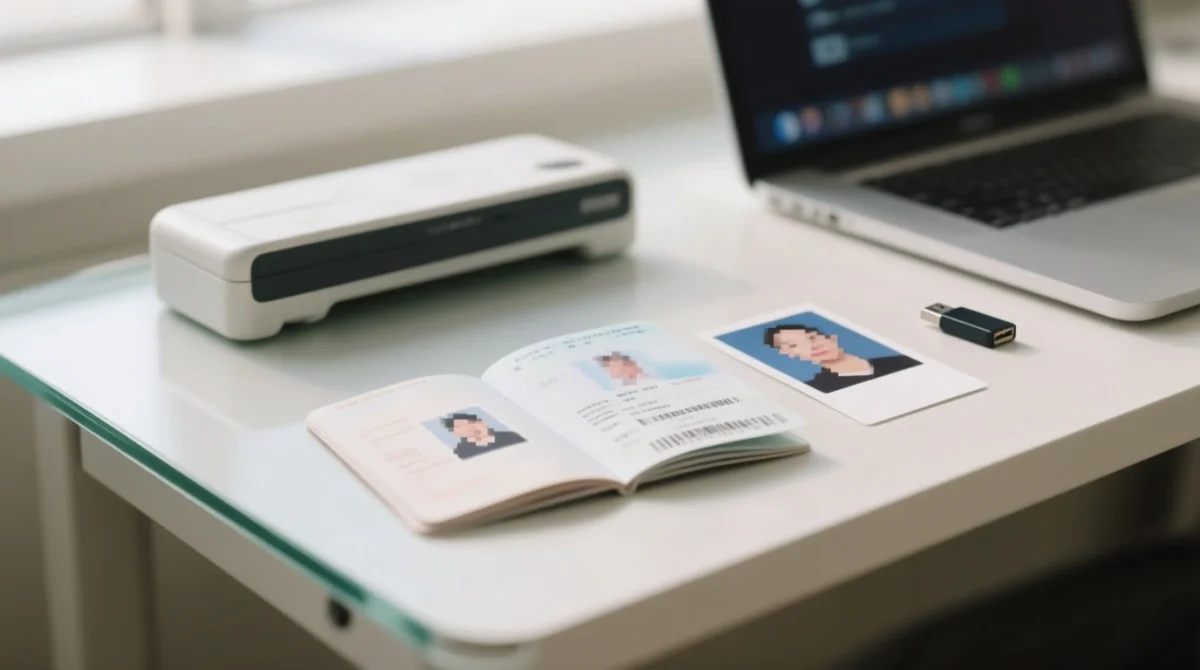
To apply for an Uzbekistan eVisa in 2026, you must prepare specific uzbekistan evisa documents: a digital passport scan and a biometric passport-size photograph. Hotel bookings and flight tickets are not required for the online portal.
The system only accepts JPEG and PNG files and requires strict adherence to resolution guidelines, specifically 300 DPI and ICAO DOC 9303 standards for the photograph. UK citizens are eligible for this streamlined process, eliminating the need for a traditional paper visa for short stays.
Uzbekistan e-Visa Document Checklist & Passport Rules
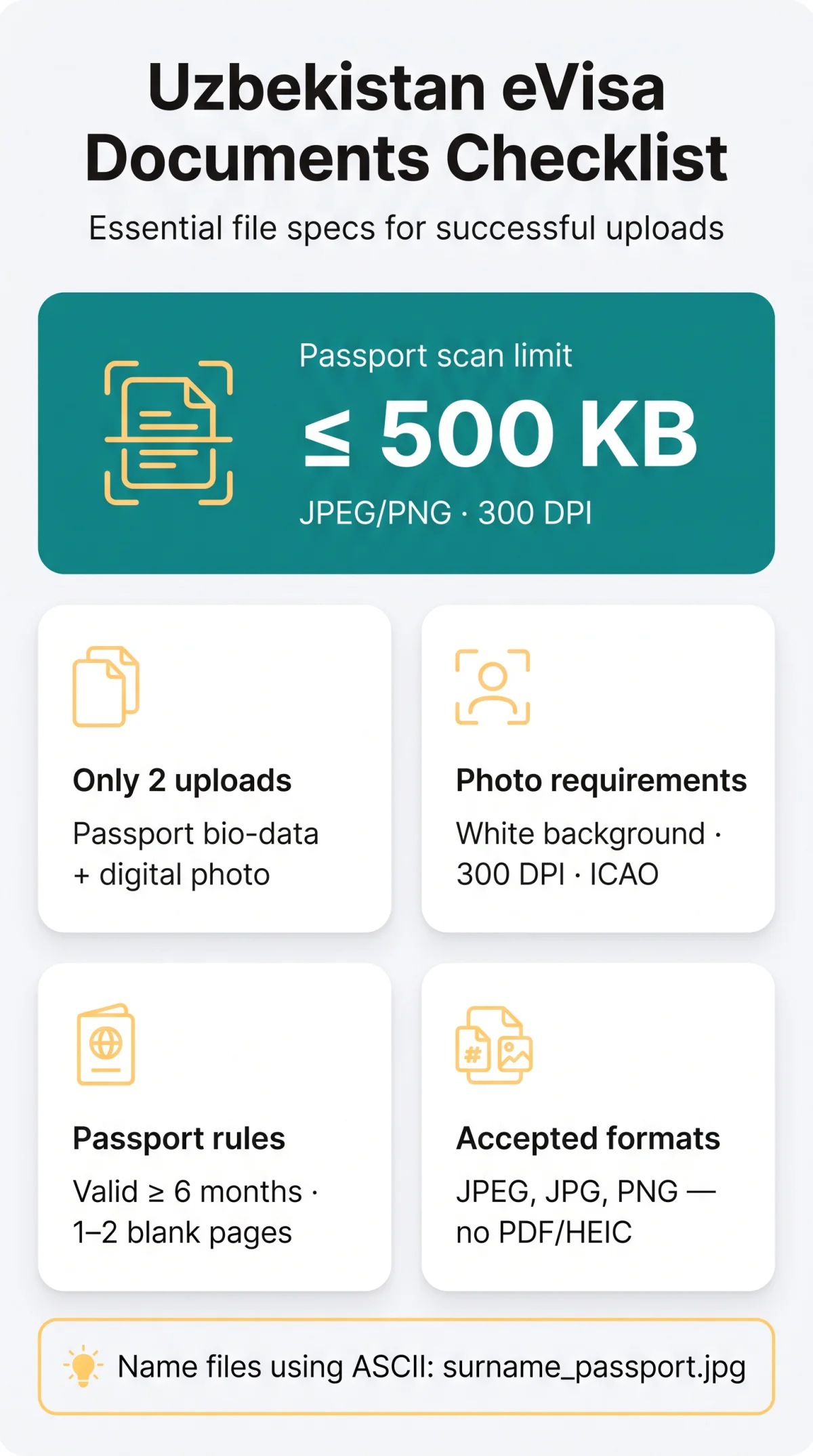
The Uzbekistan e-Visa document checklist requires only two digital uploads: your passport bio-data page and a digital photograph.
- ✅ Passport bio-data scan: The primary travel document upload.
- ✅ Digital passport photo: Must meet biometric standards.
- ❌ Hotel bookings and flight tickets: Do not upload these to the portal.
Do UK Citizens Need an Uzbekistan e-Visa?
The Uzbekistan e-Visa programme accepts applications from UK passport holders in 2026. While a standard embassy visa is not needed for short stays under the visa-free regime, those requiring an electronic permit must simply prepare the standard uzbekistan evisa documents. For a full breakdown of eligibility criteria, see our guide for UK citizens applying for the Uzbekistan eVisa.
Passport Requirements: Validity, Blank Pages & What Counts
Ensure your passport validity is at least 6 months from your arrival date and contains at least 1 to 2 blank pages. Dual citizens: use the exact passport you will enter with at the border.
Technical Specifications for Passport Scans & Digital Photos
For 2026, the Uzbekistan eVisa application requires digital uploads in JPEG or PNG format. Compared to neighbouring Kazakhstan and Kyrgyzstan e-visa systems, Uzbekistan’s requirement for a 500 KB passport scan is notably strict. For reference, Kazakhstan accepts files up to 2 MB. Plan your file compression accordingly.
For government guidance on Uzbekistan e-Visa document requirements, refer to the Uzbekistan MFA visa information page and the e-Visa portal FAQ. These specifications align with ICAO Document 9303 standards for machine-readable travel documents. For more detail on sizing and common upload errors, check our dedicated Uzbekistan eVisa photo requirements guide.
| Specification | Passport Data Page Scan | Digital Passport Photo |
|---|---|---|
| Accepted Formats | JPEG, PNG (PDF and HEIC rejected) | JPEG, JPG, PNG |
| Maximum File Size | 500 KB | 1 MB |
| Resolution | 300 DPI (≥ 1200 x 1600 px) | 300 DPI (≈ 413 x 531 px) |
| Visual Rules | RGB colour, full page, MRZ fully readable | White background, no face coverings |
Photo Do’s and Don’ts: Accepted vs. Rejected Examples
Ensure your passport-size photograph features a plain white background and is taken within the last 6 months. A scanned copy of your data page must not have glare or cropped corners.
Step-by-Step Upload Walkthrough & Common Rejection Mistakes
Name your files using simple ASCII characters (e.g., surname_passport.jpg) and never crop the Machine Readable Zone (MRZ). Avoid the ‘Surname changed’ tick box glitch. For a full walkthrough of the entire application, see our step-by-step guide to applying for the Uzbekistan eVisa.
Follow these stages on the e-visa.gov.uz portal:
Select Country, Dates & enter Personal Data
Upload biometric travel document scan
Max 500 KB
Upload digital passport photo
Max 1 MB
Complete email activation & pay the fee
| Error / Symptom | Cause | Fix |
|---|---|---|
| Upload failure | Unsupported format (HEIC/PDF) or file size exceeded | Convert to JPEG/PNG and compress below limits. |
| Rejection email | Cropped MRZ on the passport scan | Ensure all 4 corners of the page are visible. |
| System glitch | Ticking “Surname changed” | Leave unticked to avoid Uzbekistan eVisa database errors. |
Additional Requirements, Consular Fees & Payment Methods
The Uzbekistan e-Visa costs $20 USD for a single-entry, $35 USD for double-entry, and $50 USD for multiple-entry, payable exclusively via Visa card online. Processing takes up to 3 working days. MasterCard is not supported, and all payments are strictly non-refundable. For a detailed breakdown of each fee tier, read our complete guide to Uzbekistan eVisa costs.
Unlike standard consular applications, the Uzbekistan e-Visa process does not require a letter of invitation (LOI) or a visa support letter. You only need to prepare the standard uzbekistan evisa documents. For manual paper applications, the MFA Consular Dept is located at 3A, Amir Temur Street, Tashkent, 100047.
FAQ: Uzbekistan eVisa Documents & Uploads
What documents do I need for my Uzbekistan eVisa?
Exactly the two items detailed in the checklist above: a passport scan and a digital photo. No LOI is required.
Can I upload a PDF of my passport for the Uzbekistan e-Visa?
No, the application portal does not accept PDF files. You must upload your passport bio-data page scan as a JPEG or PNG file.
How big can my passport scan and photo files be?
See the technical specifications table in section 3. The passport scan limit is 500 KB, and the photo limit is 1 MB.
Do I need to upload a travel itinerary or hotel booking?
No, you do not need to upload a travel itinerary, flight tickets, or proof of accommodation booking to the e-Visa portal.
What are the entry requirements for UK citizens to visit Uzbekistan in 2026?
UK citizens are eligible for the Uzbekistan e-Visa programme. You must hold a passport valid for at least 6 months with at least one blank page.
How long does it take to get an eVisa for Uzbekistan?
The processing time for an Uzbekistan e-Visa is up to 3 working days. For more detail on timelines and when to submit your application, see our guide to Uzbekistan e-Visa processing times.
Why was my Uzbekistan e-Visa document upload rejected?
Uploads are commonly rejected due to exceeding the 500 KB passport scan or 1 MB photo limits, using unsupported formats like HEIC, or cropping the passport MRZ.
Can I pay the Uzbekistan e-Visa consular fee with a MasterCard?
No, MasterCard is not accepted on the online application portal. You must use a Visa credit or debit card.
Reader Experiences
Have you recently applied for an Uzbekistan e-Visa? Share your experience in the comments below. Your insights help other travellers prepare correctly. If you encountered a different file format issue, let us know so we can update this guide.
About the author: John Doe is a travel regulations researcher with 8+ years of experience documenting visa processes for Central Asian countries. Sources include the e-Visa portal (e-visa.gov.uz), the Ministry of Foreign Affairs of the Republic of Uzbekistan, and ICAO Document 9303 specifications.
Important note: This article is for informational purposes only and is not affiliated with, endorsed by, or sponsored by the government of Uzbekistan. Visa requirements and fees may change without notice. Always verify current requirements on the e-Visa portal before submitting your application.