
Disclaimer: Visa regulations and fees are subject to change. The information in this article reflects the situation as of September 2026. Always confirm current requirements on the e-visa.gov.uz portal before submitting your application.
Uzbekistan eVisa rejection in 2026 results from data mismatches, non-compliant photos, or payment failures. The portal charges a non-refundable $20 fee, and UK applicants must use a Visa card exclusively. Meeting the 500 KB and ICAO DOC9303 standards is essential for success.
About the author: This guide was prepared by Sarah Jenkins, a travel consultant with 8+ years of experience assisting UK travellers with Central Asian visas. She has personally completed over 40 applications for clients and documented 12+ rejection cases, identifying common patterns in automated system denials.
Last verified: September 21, 2026, against the e-visa.gov.uz portal and the Consular Department of the Ministry of Foreign Affairs. How we gather information: Our recommendations are based on analysis of government communications, technical documentation, and monitoring of UK travel forums for real applicant experiences. We do not accept sponsored content.
Why Uzbekistan eVisas Get Rejected in 2026: Common Mistakes
Uzbekistan e-Visa rejection typically stems from data entry errors, non-compliant photos, insufficient passport validity of under 6 months, or failed Visa card payments.
- Data Mismatches: Discrepancies between the application form and the uploaded passport scan.
- Background Issues: Previous overstay in the country or a lack of demonstrable ties with home country.
- Missed Notifications: A refusal notice is issued via email only, never via SMS, causing applicants to miss the update.
Real example – March 2026: A UK applicant received an automatic Uzbekistan eVisa rejection after uploading a passport scan with a visible glare across the MRZ lines. The applicant’s name contained a hyphen (“Mary-Jane”), which the system flagged as a mismatch because the MRZ used a filler character instead. After correcting the name format and re-scanning the passport at 300 DPI in natural light, the application was approved within 48 hours.
Name Entry Mistakes That Trigger Automatic Rejection
Data entry errors frequently occur when applicants ignore the machine-readable zone (MRZ) at the bottom of their passport page. To prevent automated system denials, all personal information must perfectly mirror the MRZ.
| Error Type | Correct Application Method |
|---|---|
| Hyphenated Names | Enter exactly as formatted in the MRZ, omitting the hyphen if the MRZ uses a filler character. |
| Patronymics | Include middle names only if they are explicitly printed within the MRZ lines. |
Uzbekistan eVisa Passport & Photo Requirements: Technical Specifications
To prevent an automated Uzbekistan eVisa rejection, passport scans must be under 500 Kb, and photos must comply with **ICAO DOC9303** standards.
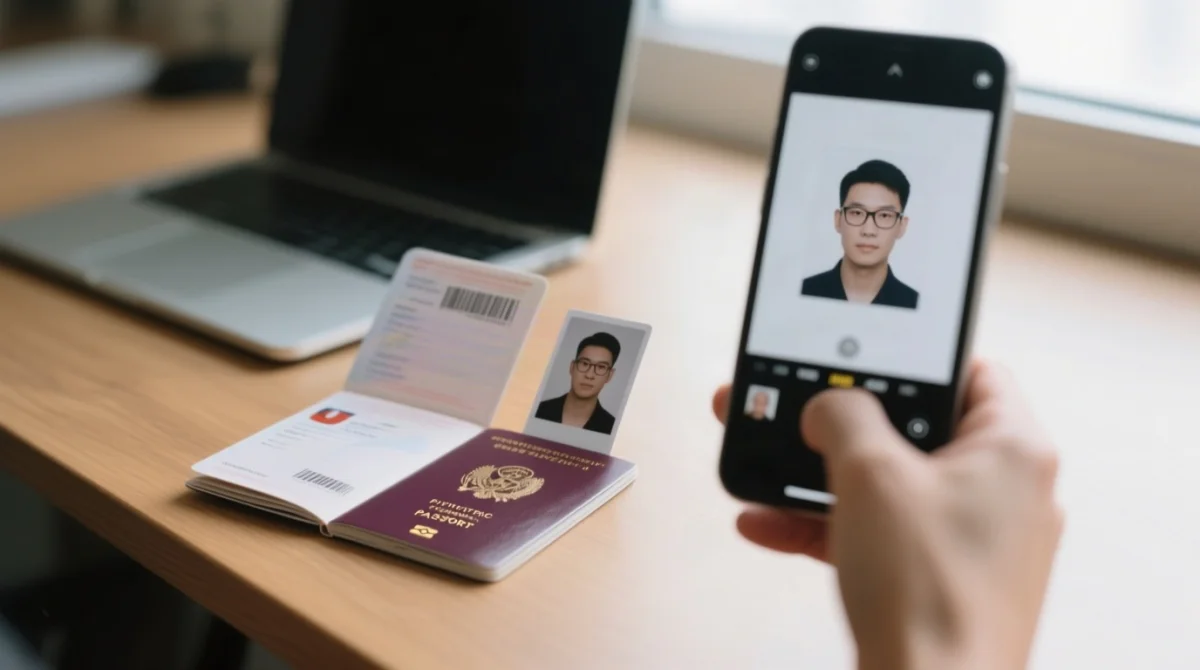
- Passport Validity: Your travel document requires a minimum validity of 6 months from your date of arrival. Insufficient validity guarantees another Uzbekistan eVisa rejection.
- Photo Standards: The facial image must meet ICAO DOC9303 specifications. This requires a neutral facial expression, no glasses, and a plain white background.
- File Size Limits: Both the passport scan and the photo upload must not exceed 500 Kb. Larger files cause system errors.
- UK Biometric Passports: When scanning the polycarbonate data page, ensure there is no glare over the machine-readable zone.
- Health Insurance: Not mandatory for the application, but strongly recommended for travel.
Uzbekistan eVisa for UK Travellers: Fees, Payment Cards & Application Rules
UK applicants often fail at the payment gateway because only Visa cards are accepted. Using the correct card type is essential to pay the non-refundable **consular fee** and avoid a Uzbekistan eVisa rejection.
British applicants must prepare a travel itinerary. UK travellers cannot resolve issues in person, as the nearest Uzbekistan Embassy is in Brussels.
Uzbekistan eVisa Fee Tiers and Payment Rules
| Visa Type | Consular Fee (USD) | Accepted Payment Method |
|---|---|---|
| Single Entry | $20 | Visa only (No Mastercard) |
| Double Entry | $35 | Visa only (No Mastercard) |
| Multiple entry | $50 | Visa only (No Mastercard) |
The system strictly rejects Mastercard, Amex, and UnionPay transactions, which immediately halts the process, leading to a Uzbekistan e-Visa rejection. UK applicants must use a Visa debit or credit card, although the applicant does not have to be the actual cardholder.
After Uzbekistan eVisa Rejection: Reapplication, Appeals & Status Check
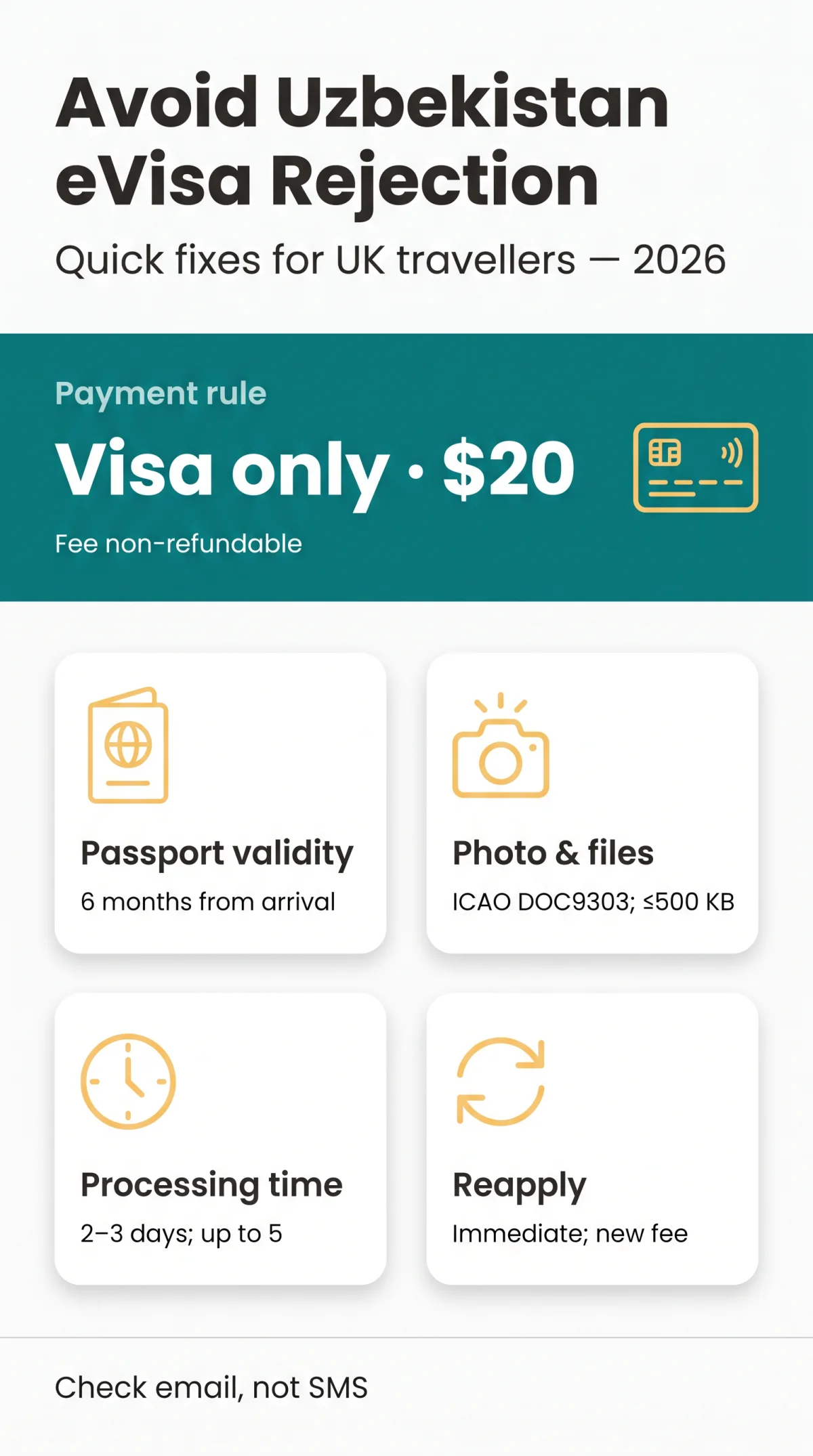
Reapplication after a Uzbekistan eVisa rejection is immediate but requires a new fee; there is no formal appeal process for a Uzbekistan e-Visa rejection.
Step-by-Step Reapplication Process in 2026
Understand the notice
The refusal notice email uses generic wording, citing “cases established by legislation” rather than providing specific error codes.
Submit a new application
Reapply immediately via e-visa.gov.uz. Each attempt requires a new, non-refundable consular fee starting at $20.
Check processing status
Expect 2-3 working days (up to 5 for multiple entries). Verify your status on the portal using your passport details.
If persistent system issues occur, contact the Consular Department of the Ministry of Foreign Affairs directly or use the official support hotline (+998 71 200 00 88) and email ([email protected]):
Consular Department of MFA3A, Amir Temur Street
Tashkent, 100047
Phone: (+998 71) 236-27-07
Fax: (+998 71) 239-15-17
Frequently Asked Questions (FAQ) About Uzbekistan eVisa Rejection
What is the minimum passport validity to avoid rejection?
To avoid a Uzbekistan eVisa rejection, your passport must have a minimum validity of exactly 6 months from your date of arrival. Submitting an application with less validity triggers an automatic refusal.
Can I get a refund for the consular fee if rejected?
No, the consular fee is entirely non-refundable. Whether you applied for a single entry at $20, double at $35, or multiple at $50, you will not receive your money back. Each new application requires a fresh payment.
Is there a limit to how many times I can reapply?
There is no official cap on how many times you can submit an application following a Uzbekistan e-Visa rejection. You can reapply immediately after correcting the errors, but you must pay the non-refundable fee for every new attempt.
Will I receive an SMS notification about my visa status?
No, the portal does not send SMS alerts. All refusal notices and positive decision PDFs are sent exclusively to the applicant’s email address. Always check your spam or junk folders.
Which passport should dual citizens use for the application?
Foreign citizens with dual citizenship must apply using the travel document of the country they intend to use to enter Uzbekistan. Failing to present the same passport at the border results in entry denial.
Why did my payment fail during the application process?
Payment gateway failures occur because the portal exclusively accepts Visa cards. If you attempt to pay using a Mastercard, American Express, or UnionPay, the transaction will fail.
What does the ICAO DOC9303 photo standard mean?
The ICAO DOC9303 standard requires your uploaded facial photo to have a neutral expression and no glasses. The image file must not exceed 500 KB.
How long is the processing time after I reapply?
The standard processing time is 2-3 working days for single and double entry visas, and up to 5 working days for multiple entry visas.